


AcceptApple Pay.Fast and Secure.
On iPhone, iPad, and Mac, shoppers confirm payments with Face ID or Touch ID without entering their card details.
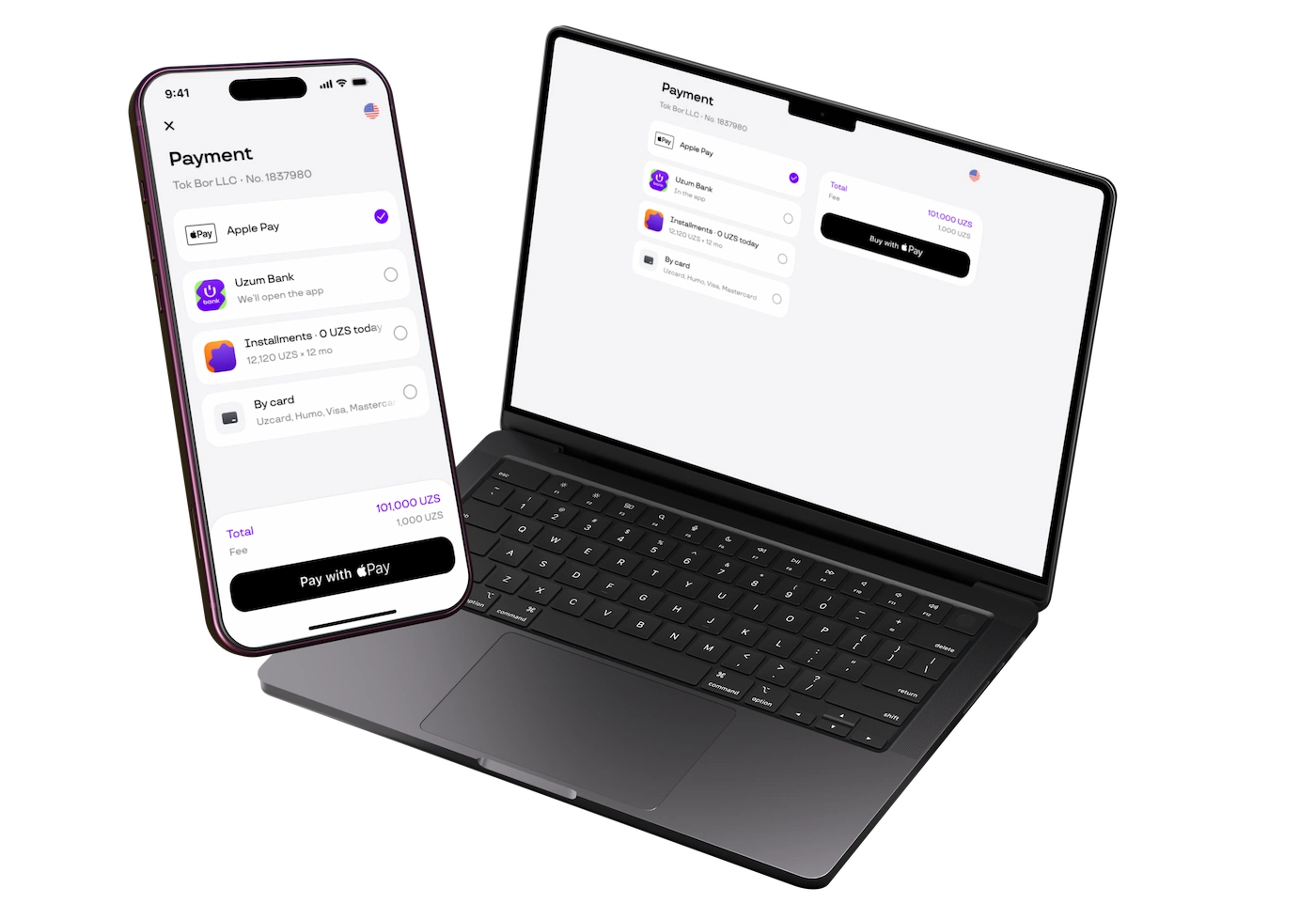
Why Apple Pay
Three reasons shoppers finish checkout instead of abandoning the form.
-
Pay without entering a card
The shopper authorizes with Face ID or Touch ID. Card number, expiry, and CVV are not typed on the form.
-
The merchant never sees the card number
Checkout receives a device token, not the PAN. Card data stays in the Secure Element on the Apple device.
-
iPhone, iPad, and Mac
One touch checkout on both app, Safari and third party browsers.
How to enable it
Three steps from request to the first payment. Technical details are in the developer documentation.
-
1
Submit a request
A manager will check your internet acquiring agreement and explain how to connect Checkout if you do not have it yet.
-
2
Turn on Apple Pay
Enable Apple Pay on your storefront. If you are using integrated checkout, we will guide you on domain registration with Apple.
-
3
Test and go live
Run a test transaction. Once approved, the Apple Pay button will appear for all eligible customers!
What the shopper sees
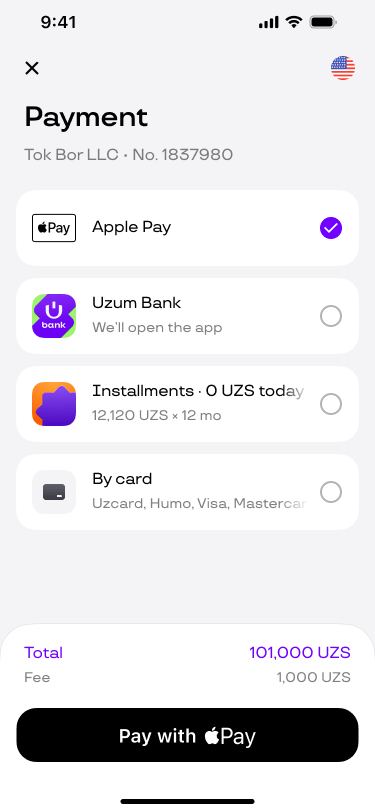
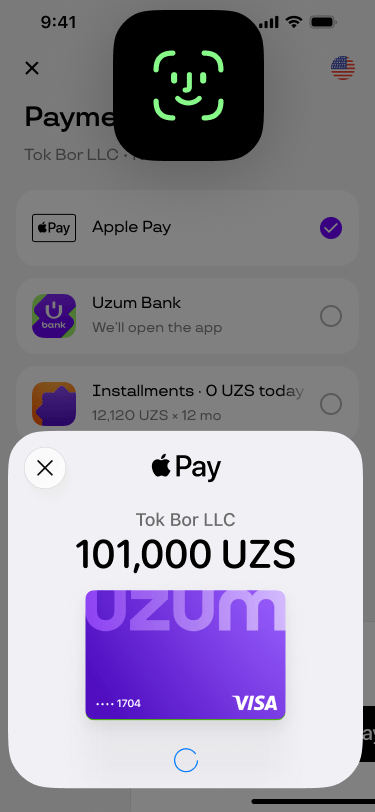
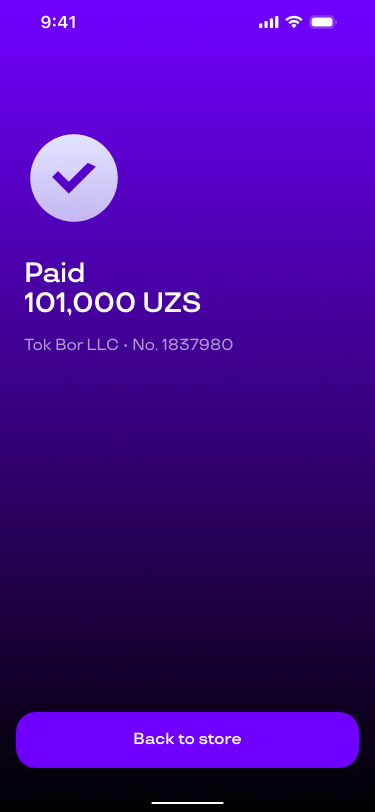
The same flow as on the Uzum Bank Checkout form. No extra bank window and no manual card entry.
-
Choose Apple Pay
-
Face ID
-
Paid
Questions
What is Apple Pay on Checkout?
Apple Pay is a secure and private way to pay for goods and services online. No card details are passed in the transaction process, substantially reducing the risk of fraud.
Do we need a separate contract with Apple?
No. You enable Apple Pay as a method on Uzum Bank Checkout. We register the merchant identifier and verify the domain. You need an active Checkout terminal and a method request.
Which devices are supported?
Apple Pay is available on compatible Apple devices and can be accepted in apps and third-party browsers. See the list of compatible devices on Apple Support.
Does the merchant receive the card number?
No. The merchant and Checkout receive a payment token, not the card number. The PAN stays in the Secure Element. That lowers PCI scope on your form.
What does it cost?
There is no separate fee for the method. Standard Checkout acquiring rates apply for the card the shopper uses through Apple Pay.
How do we test payments?
After launch, the cabinet includes a sandbox terminal. Test on real Apple devices with a test card in Wallet: button, payment sheet, and status back to Checkout.

More payment methods, more sales
We’ll call back, explain, and help you set up Apple Pay